
The agent that sees what your users see.
Jalon is an AI assistant that a software company embeds in its own product. It reads the page a user is on, answers from what the company has written down, and can point at, walk through or operate the real controls under rules the company sets. Keeways designed, engineered and runs the whole product: the dock that ships onto customer pages, the agent behind it, and the console where it is taught and measured.
- Complete install
- 1 tag
- Services
- Design + Engineering
- Industry
- AI SaaS
- Live project
- jalon.dev
Jalon is a Keeways product. One script tag puts an assistant inside a web app that knows which page the user is on and what is on it, and a console lets the team behind that app teach it, limit it and measure what it caused. We built it as one application on one database, and it is live at jalon.dev.
The background
Every software product eventually grows a help centre, and most users never read it. They ask a chat widget instead, and the widget answers from the same articles: go to Settings, open Billing, click Change plan. The person asking is usually already on a page, looking at a button, and the assistant has no idea which one. It describes the product from memory while the user looks at the real thing.
The tools on offer split into three kinds. Support agents answer questions but sit outside the product. Adoption platforms draw guides over the interface but need every step mapped by hand. Analytics tools record where people struggled and report it afterwards. A team that wants all three buys three products, and none of them can see the page.
Jalon starts from a plain premise: an assistant that lives in a product should see what the user sees. The name is French for the surveyor’s stake that marks out a route before anything is built along it.
The challenge
Letting a language model read a customer’s page and touch its controls raises three problems at once. The first is perception. A screenshot is slow and goes stale, and raw markup is too large and too noisy to send with every question. The agent needed a compact, live model of the page: its headings, controls, tables and forms, in a shape a model can reason about, built fresh on whatever framework the customer happens to use.
The second is trust. An assistant that can click is an assistant that can click the wrong thing, and no team will install one unless they decide exactly what it may do. That decision has to be enforced on the server, not suggested in a prompt. The agent also has to stay inside what the company has written down, and record a gap rather than improvise an answer.
The third is being a guest. The dock runs on someone else’s page, beside their styles, their fonts and their performance budget. It cannot ship a typeface, trust the host’s CSS or assume a desktop screen. The brief we set ourselves: one script tag to install, nothing to map and no selectors to maintain, and a console where everything else is taught, limited and measured.
The solution
We built Jalon as a harness for an agent in the browser: it gives the agent eyes, hands and rules inside someone else’s page. It has two faces, the dock a visitor meets on the page and the console the team behind the product works in. Four decisions shaped it.
The dock reads the page it lands on. With every question it sends the agent a live model of that page, so an answer can refer to the button the user is looking at and the agent can point at it. When an answer is a sequence of steps, the agent walks the user through them against the real controls instead of describing where to click. We tested perception against real applications built with Ant Design, Bootstrap, shadcn/ui and Element UI, and part of its test suite runs in a real browser, because visibility and layout cannot be judged without one.
The agent only says what the team has written down. Knowledge comes from the product’s own site, a GitHub repository, Notion, Google Drive or uploaded files, and is kept in sync. A question the agent cannot ground is recorded as a gap for the team to fill. What it may do is set per tool: navigating, clicking, typing and creating are each allowed, asked about first, demonstrated only, or never permitted. A denied tool is removed on the server before the model sees it, so the limit does not depend on the model behaving.
The console is where the agent is taught and held to account. Every session reads as one timeline: the page the visitor was on, what they asked, what the agent answered and did, and whether the problem came back. When a person is needed, the conversation lands in an inbox with its full history attached, and the reply appears in the thread the user started. Teams can hold the agent back for a slice of sessions and read the difference against that control, and write test cases that run every night against the same pipeline their users reach.
Underneath, Jalon is one Laravel application on one PostgreSQL database. The dock, the perception library, the agent runtime and the console share a codebase, the queue runs on the same database, and there is no second service to operate. The first version ran as a separate TypeScript engine. We retired it and rebuilt the product whole, for one deploy, one sign-in and one design system. The agent itself sits behind a single interface. Today that is Jalon’s own agent, on the customer’s model key if they bring one, and the same seam is where a customer’s own agent is designed to plug in next: their reasoning, Jalon’s harness. The product is open-core: the packages a customer’s site loads are MIT licensed, the console and runtime are AGPL, and a self-hosted core edition runs without the paid half.
Results
Jalon is live at jalon.dev. The free tier needs no card and does not expire, paid plans start at £99 a month, and a team that brings its own model key is not metered on conversations at all. These are the four things it does that a chatbot in the corner does not.
Installed with one tag
The complete install is a single script tag. The dock reads whatever page it lands on, so there is no flow to map and no selector to maintain when the interface changes. Everything after that happens in the console, and a change made there is live on the next conversation.
An agent that works under rules
Each action is allowed, confirmed, shown or refused according to a policy the team sets, and the visitor can see when the agent is in control and stop it. The controls that keep it safe, including PII redaction, identity verification and the audit trail, are on every plan, the free one included.
Measured, not assumed
Resolution is computed from what happened in each session rather than from a thumbs-up. A holdout group shows what the agent caused, not just what it did, and nightly test runs catch a change that breaks an answer before a user finds it.
One codebase, open at the edge
Dock, agent and console are one application, built and tested together. The code that runs on a customer’s page is MIT licensed, so embedding it in a proprietary product carries no obligation, and a team that wants to run Jalon on its own infrastructure can.
Read next
View all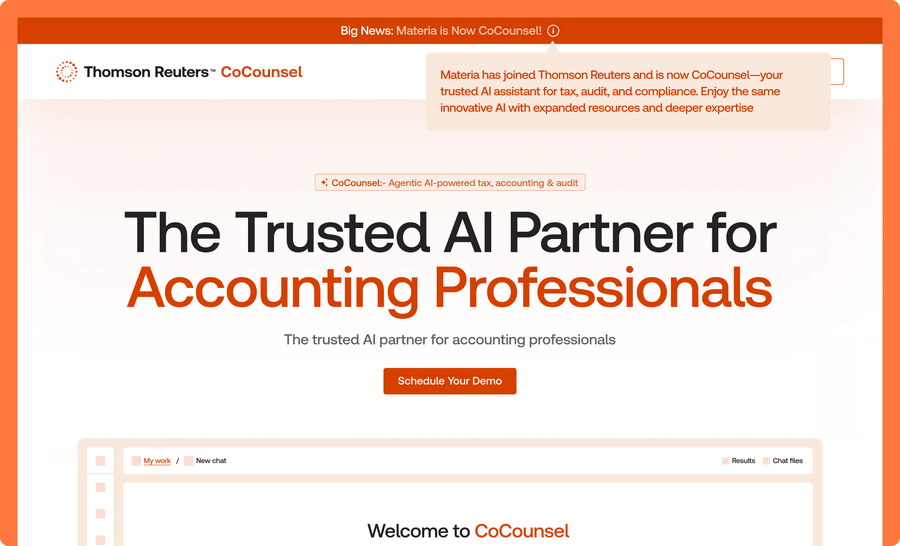
Web Design · AI SaaS
Building the AI platform Thomson Reuters bought for CoCounsel
From stealth launch to Thomson Reuters acquisition in under two years.

Design · Dev · SaaS
Life's milestones, beautifully orchestrated.
Every invitation, personalized. Every guest, managed.
Web Platform · UI/UX Design · SaaS
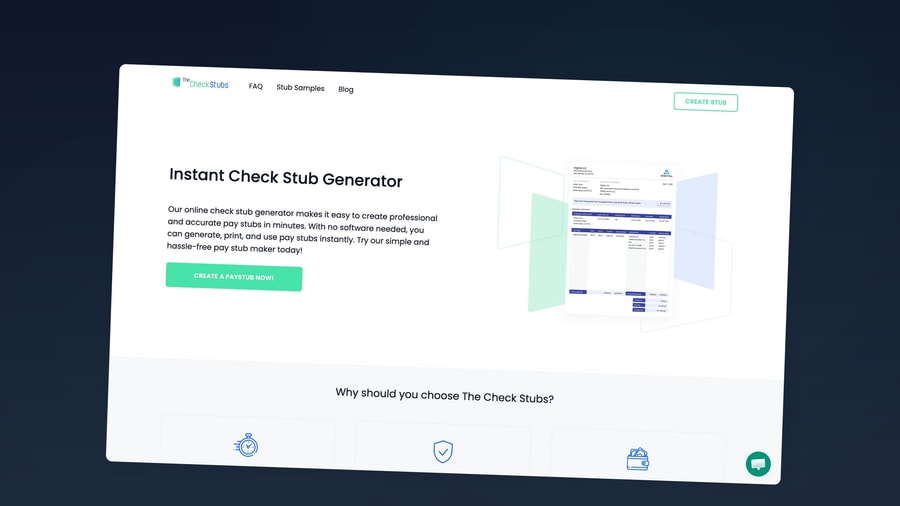
Payroll for everyone left behind.
Paystub generation, simplified and accessible